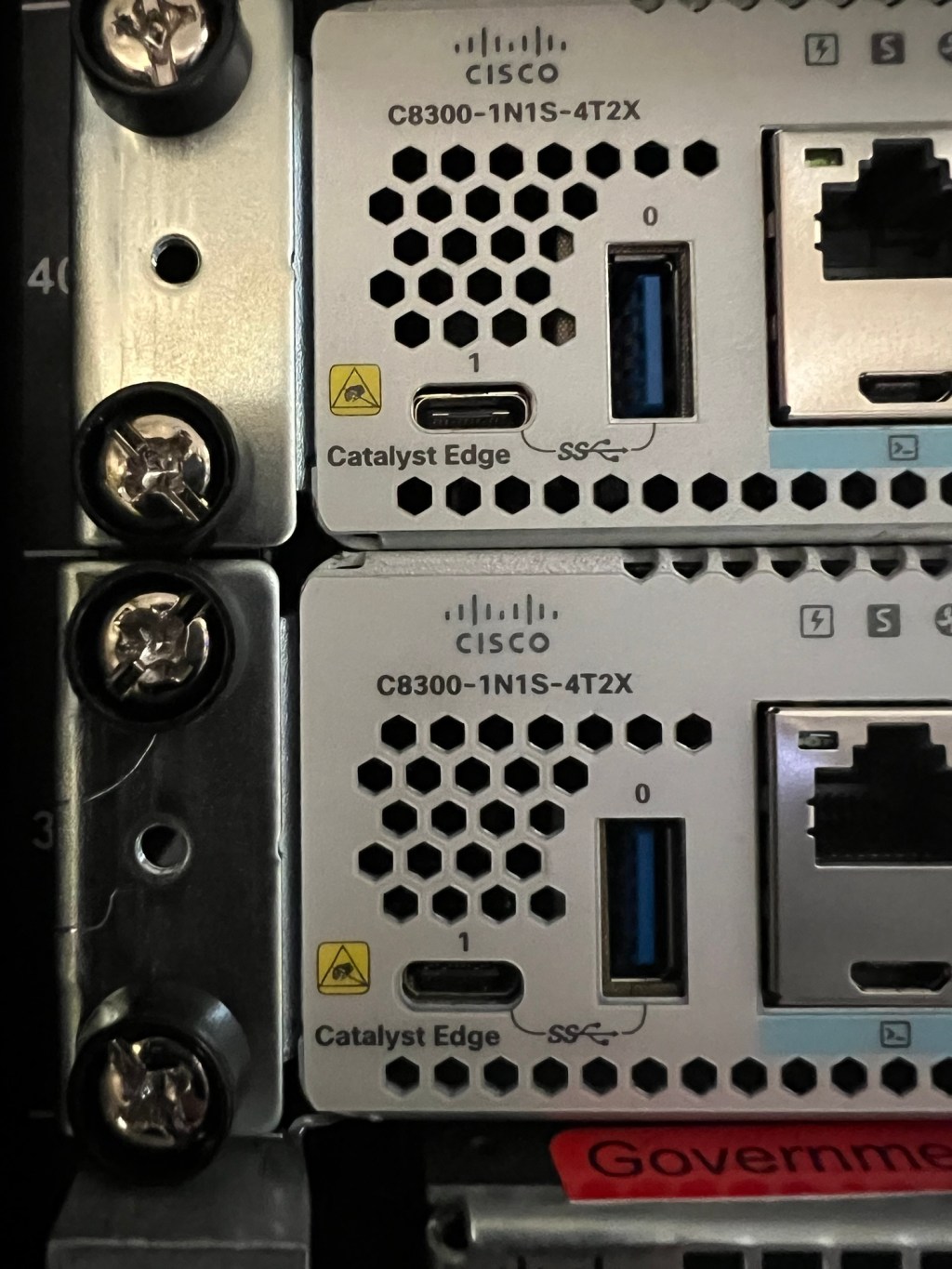
MACsec (Media Access Control Security) is a Layer 2 protocol that provides data confidentiality, integrity, and origin authenticity for traffic on wired Ethernet networks. It encrypts Ethernet frames, securing them from interception or tampering, commonly used to protect communications on LANs, including those over untrusted network links. Cisco 4500-X switches will be used as “hub” switches and Cisco 3850 switches will be used at end buildings acting as “spoke” switches.
In a previous job, we used this to run L2 trunk links between buildings in a country where the traffic between buildings was considered “untrusted”.
Table 1-2: Required Hardware Components
| Equipment | Model | Function |
| Cisco 4500-X 32 Port Switch | WS-C4500X-32SFP+ | MACsec Hub Device |
| Cisco 3850 Series Switch | Cisco 3850 Series Switch | MACsec Spoke Device |
Steps to Implement MACsec on Cisco Devices
- Verify Device Support:
- Confirm that the Cisco device model and IOS/IOS-XE version support MACsec (e.g., Catalyst 9300, 9400, 9500) see above.
- Creating MACSEC Key Chain Configurations on both
key chain KEYCHAIN_NAME macsec
     key KEY_NAME
    	cryptographic-algorithm aes-256-cma
       key-string KEY
2. Creating MKA Policy Configurations on both Cisco switches
mka policy POLICY_NAME
 	macsec-cipher-suite gcm-aes-128
 	confidentiality-offset 0
3. Add to Interface
interface X/X
 	switchport mode trunk
 	macsec network-link
 	mka policy POLICY_NAME
 	mka pre-shared-key key-chain KEYCHAIN_NAME
3.Verify
1. To verify the MACSec policy
a. Use the “show MKA policy” command.
b. The output should display the MACSec policy was applied to the interface.
c. See example in ON-2513 Section 4.4.
2. To verify the MACSec connection is secured
a. Use the “show MKA summary” command
b. The output should display the MACSec status is “secured”
SWITCH# show mka summary

Total MKA Sessions... 1
  	Secured Sessions... 1
  	Pending Sessions... 0
And that’s it! Your trunk lines are secured.



Leave a Reply